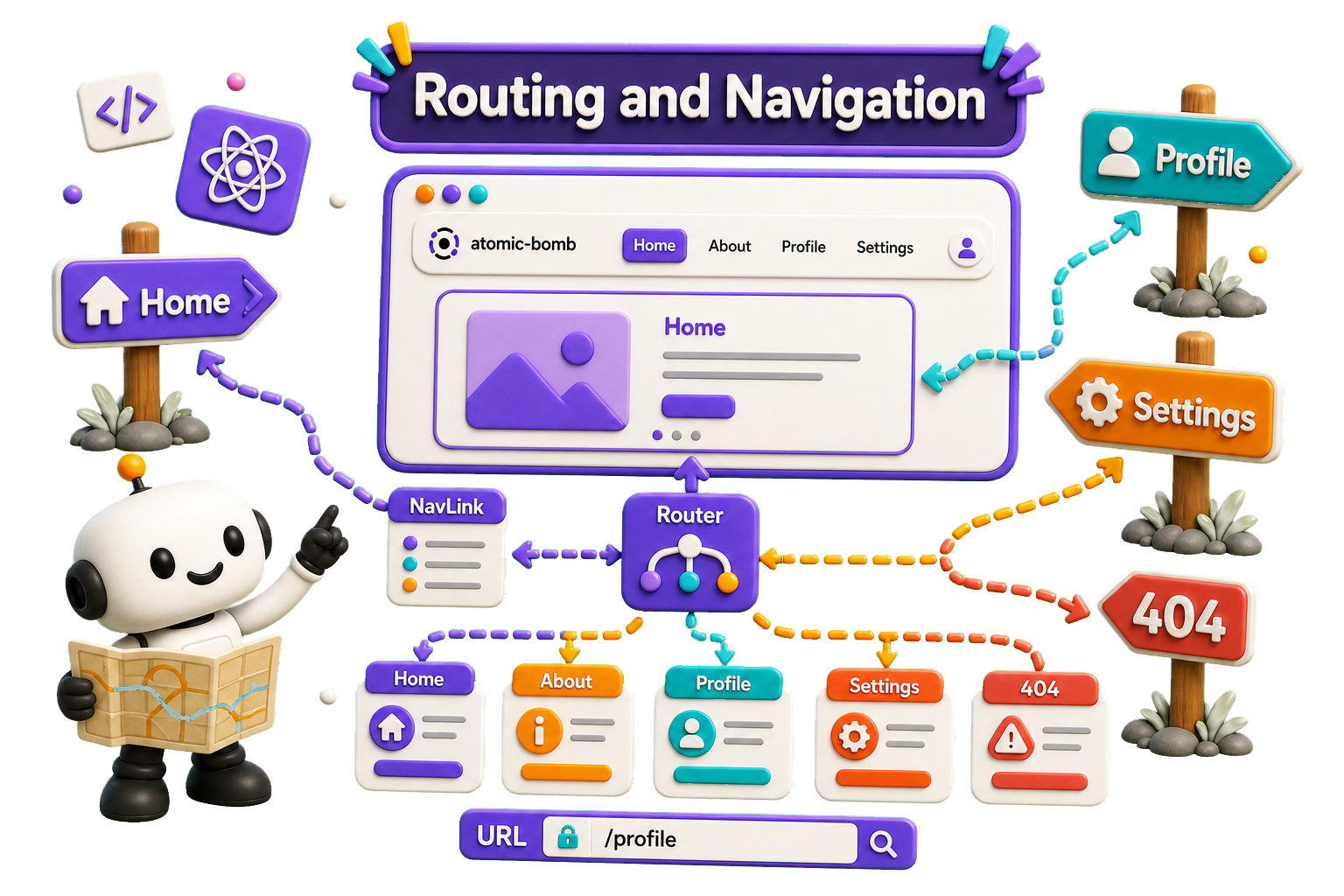
It seems rather strange, but React doesn't ship with a default Routing component. React Router is the most popular solution. To add React Router in your application, run this in the terminal from the root directory of the application:
npm i react-router
# Or
yarn add react-router
Folder structure
To create an application with multiple page routes, let's first start with the file structure.
Within the src folder, we'll create a folder named views
with several files:
.
├── README.md
├── package.json
├── public
│   ├── favicon.ico
│   ├── index.html
│   └── manifest.json
├── src
│   ├── App.tsx
│   ├── index.ts
│   └── views
│       ├── Blog.tsx
│       ├── Contact.tsx
│       ├── Home.tsx
│       └── NotFound.tsx
└── yarn.lock
Each file will contain a very basic React component. Template:
const File = () => {
    return(
        <div><h1>File</h1></div>
    )
}

export default File
Menu.tsx
This is a somewhat special file as acts as some kind of header
for the site. The <Outlet /> is a definition for the current Child
component:
import { Outlet, Link } from "react-router"

const Menu = () => {
  return (
    <>
      <nav>
        <ul>
          <li><Link to="/">Home</Link></li>
          <li><Link to="/blog">Blog</Link></li>
          <li><Link to="/contact">Contact</Link></li>
        </ul>
      </nav>
      <Outlet />
    </>
  )
};

export default Menu;
App.tsx
In App.js we can implement the routing structure:
import { BrowserRouter, Routes, Route } from "react-router"
import Menu from "./views/Menu"
import Home from "./views/Home"
import Blog from "./views/Blog"
import Contact from "./views/Contact"
import NotFound from "./views/NotFound"


const  App = () => {
  return (
    <BrowserRouter>
      <Routes>
        <Route path="/" element={<Menu />}>
          <Route index element={<Home />} />
          <Route path="blog" element={<Blog />} />
          <Route path="contact" element={<Contact />} />
          <Route path="*" element={<NotFound />} />
        </Route>
      </Routes>
    </BrowserRouter>
  );

}

export default App