Templates
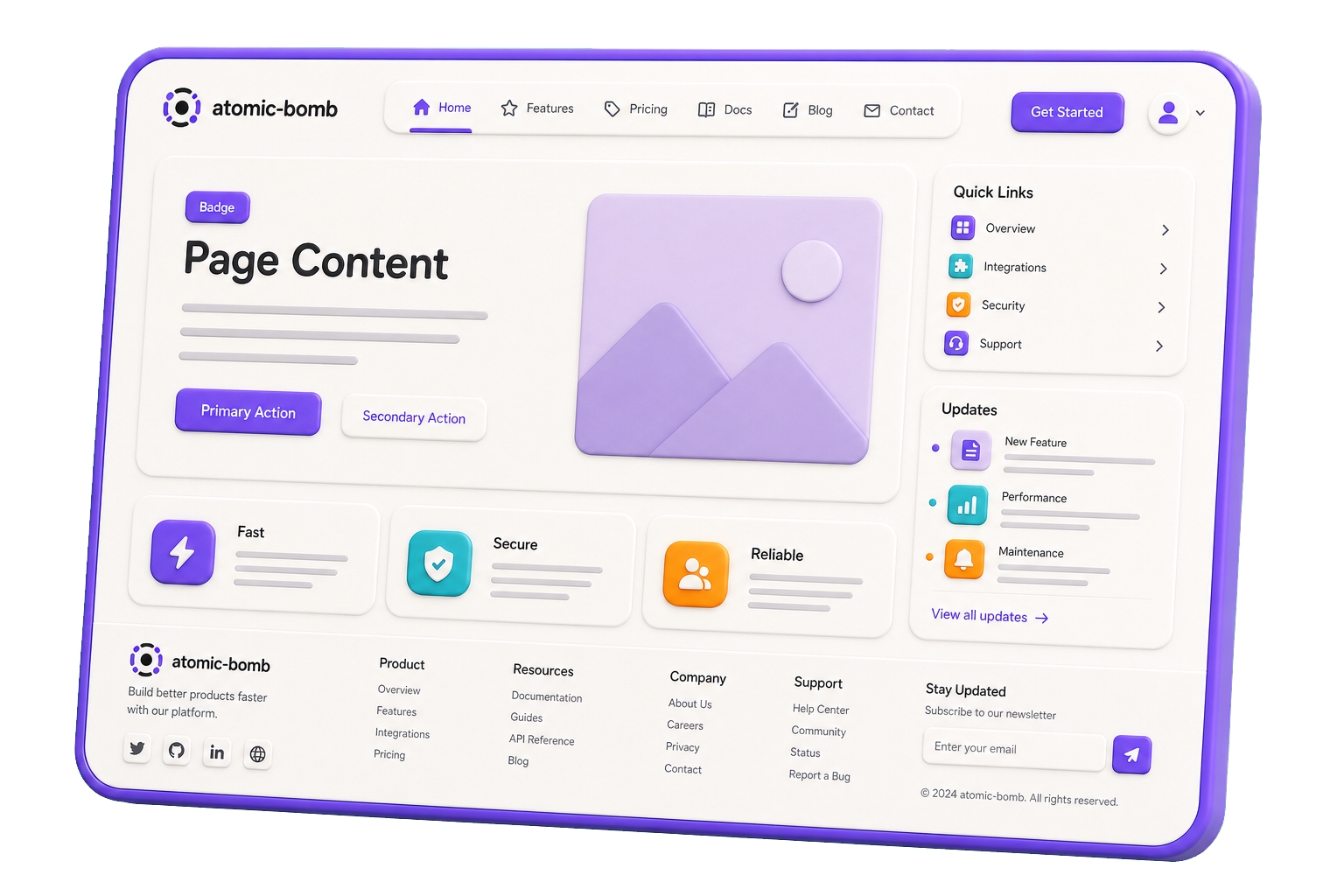
Templates define the structure and layout of a page without containing real content or business data. They describe where things go, not what those things contain. Templates provide a reusable blueprint that can be used by multiple pages with different data.
A template is responsible for arranging organisms, molecules, and atoms into a consistent layout while remaining independent of any specific content.
Rules for Templates
- Define page structure and layout.
- Contain placeholders or slots for content.
- Compose organisms, molecules, and atoms.
- Remain independent of business data.
- Avoid fetching data or implementing domain logic.
- Be reusable across multiple pages.
- Focus on layout, composition, and consistency.
- Separate presentation structure from content.
Examples
- Dashboard Template (Sidebar + Header + Main Content Area)
- Article Template (Hero + Content Area + Related Articles)
- Product Template (Gallery + Details + Recommendations)
- Authentication Template (Branding + Login/Register Area)
- Search Template (Filters + Results + Pagination)
Templates act as the bridge between reusable UI structures and real application pages, ensuring consistency across the user experience while keeping layout concerns separate from content and business logic.
Template Example
import type { MainInterface } from './Main.interface'
import { Footer, Header } from '@/components'
import { Outlet } from 'react-router-dom'

const Main = ({ testID }: MainInterface) => {
  return (
    <div data-testid={testID} className={`Main`}>
      <Header />
      <main className='Main__content'>
        <Outlet />
      </main>
      <Footer />
    </div>
  )
}

export default Main