Pages
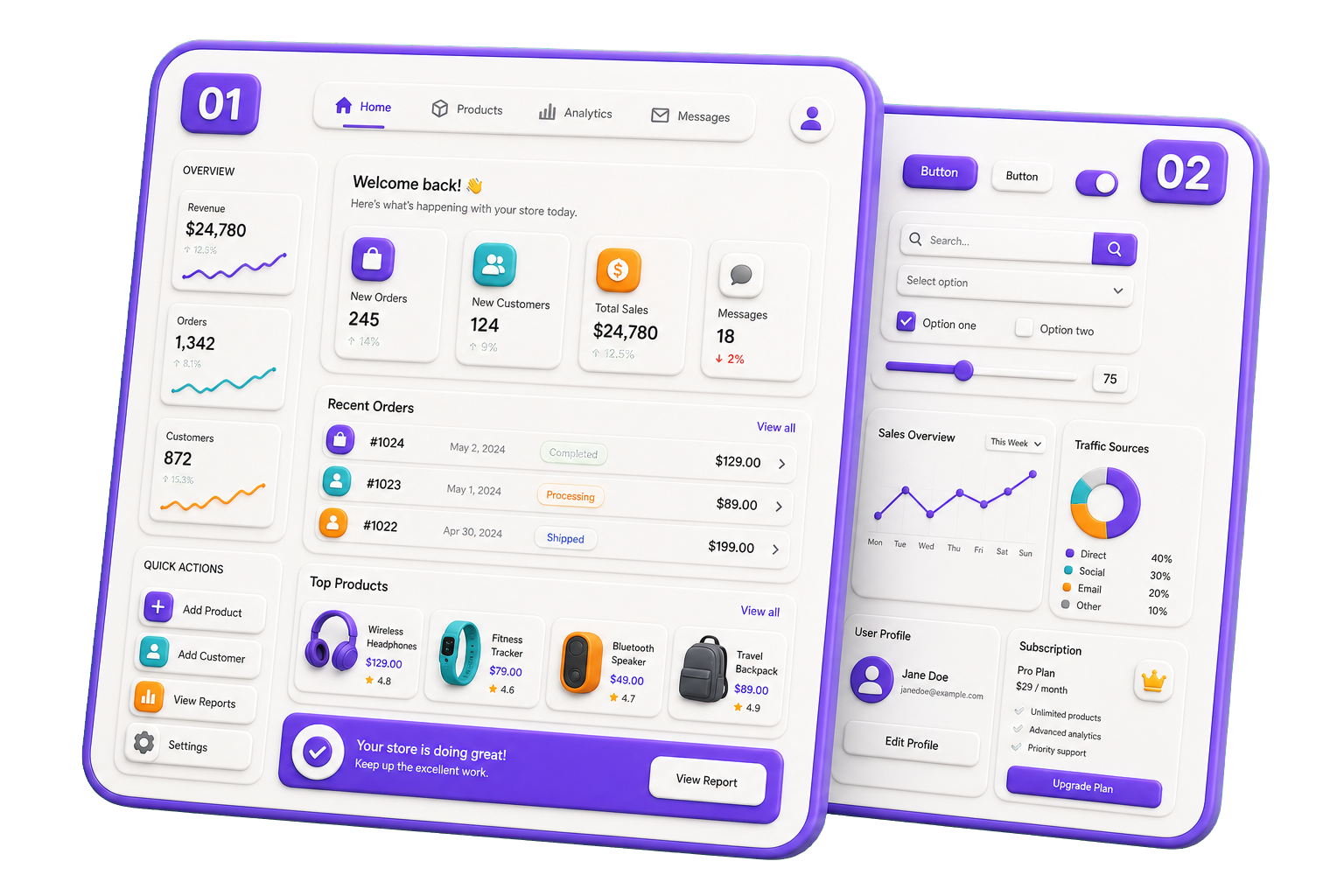
Pages are the highest level within Atomic Design. They represent complete, user-visible screens that combine templates, organisms, molecules, and atoms into a finished experience. A page is where real content, data, and application state are connected to the user interface.
Pages answer the question: "What does the user actually see and interact with?"
Unlike lower-level components, pages are typically tied to routes, navigation, or specific user journeys within the application.
Rules for Pages
- Represent a complete screen or route.
- Compose templates, organisms, molecules, and atoms.
- Connect UI components to application and domain data.
- Handle page-level state, loading, and error scenarios.
- Avoid implementing reusable UI elements directly.
- Keep business logic delegated to services, hooks, or domain layers.
- Focus on user experience and data composition.
- Be easy to understand as an entry point into a feature.
Examples
- Home Page
- Product Details Page
- Login Page
- Dashboard Page
- User Profile Page
- Search Results Page
Pages bring all Atomic Design layers together and provide the final context in which users interact with the application.