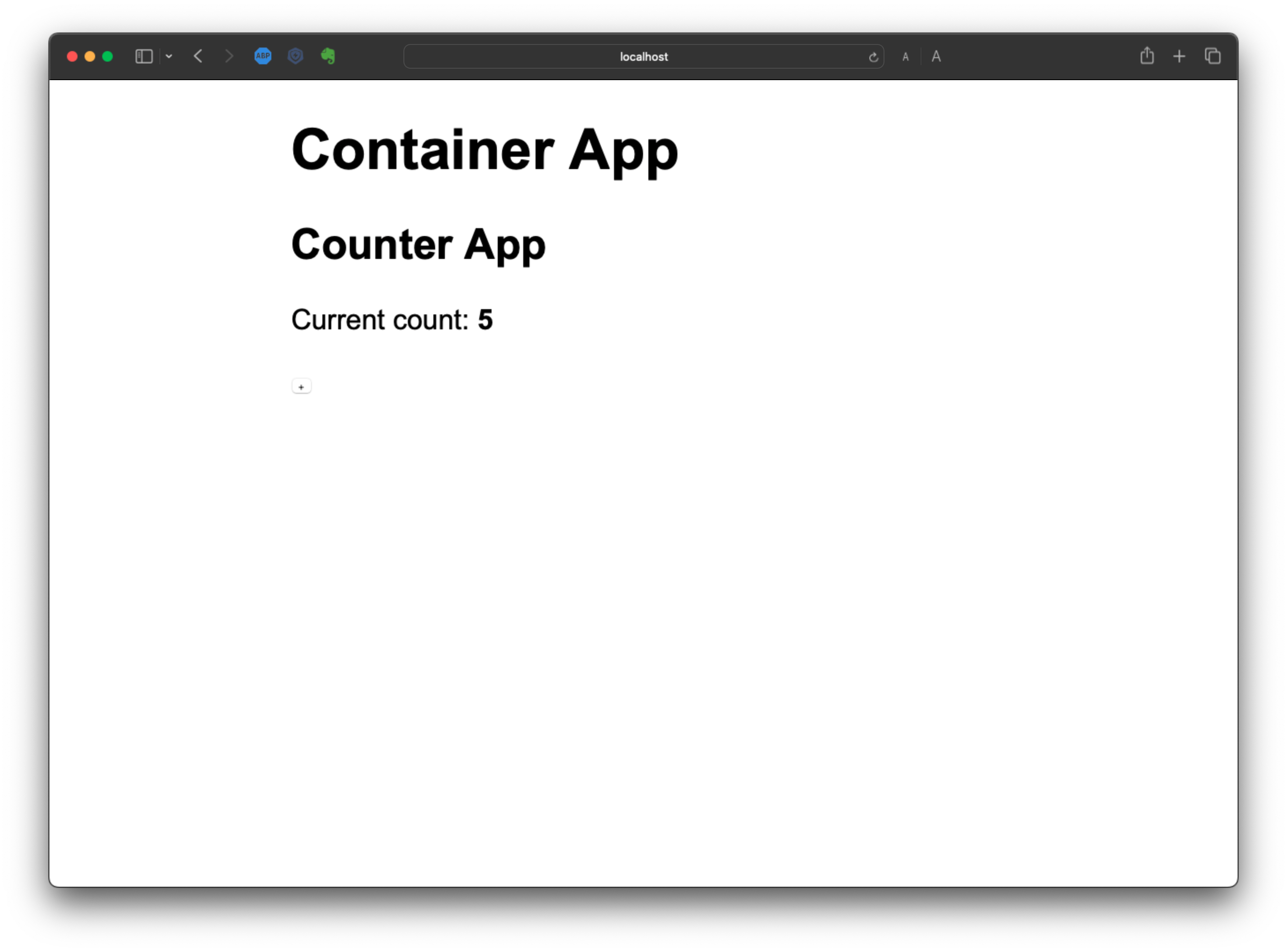
Container App
Next, we create a container app which functions as a home where the micro-apps reside.
npx create-mf-app

? Pick the name of your app: container
? Project Type: Application
? Port number: 8080
? Framework: react
? Language: javascript
? CSS: CSS
Your 'container' project is ready to go.

Next steps:

▶️ cd container
▶️ npm install
▶️ npm start

➜  cd container
➜  yarn install or npm install
Again, this will bootstrap a basic React application, with the only differences being:
- a (more) configurable
webpack.config.jsfile - An
index.jswhich loadsAppdynamically:
import('./App');
Let's add the following code to App.js:
import React, { useState } from "react";
import ReactDOM from "react-dom";
import "./index.css"

import { Counter } from "counter/Counter"

const App = () => {

  return(
    <div className="container">
      <h1>Container App</h1>
      <Counter />
    </div>
  )
}

ReactDOM.render(<App />, document.getElementById("app"));
As you can see, on line 5 we import Counter from counter/Counter
We don't have this, so we need to configure webpack.config.js to make
sure we can communicate with the MF-app we created earlier:
const HtmlWebPackPlugin = require("html-webpack-plugin");
const ModuleFederationPlugin = require("webpack/lib/container/ModuleFederationPlugin");
const deps = require("./package.json").dependencies;
module.exports = {
  output: {
    publicPath: "http://localhost:8080/",
  },
  resolve: {
    extensions: [".tsx", ".ts", ".jsx", ".js", ".json"],
  },
  devServer: {
    port: 8080,
    historyApiFallback: true,
  },
  module: {
    rules: [
      {
        test: /\.m?js/,
        type: "javascript/auto",
        resolve: {
          fullySpecified: false,
        },
      },
      {
        test: /\.(css|s[ac]ss)$/i,
        use: ["style-loader", "css-loader", "postcss-loader"],
      },
      {
        test: /\.(ts|tsx|js|jsx)$/,
        exclude: /node_modules/,
        use: {
          loader: "babel-loader",
        },
      },
    ],
  },
  plugins: [ // This is important part
    new ModuleFederationPlugin({
      name: "container",
      filename: "remoteEntry.js",
      remotes: {
        counter: "counter@http://localhost:8081/remoteEntry.js",
      },
      exposes: {},
      shared: {
        ...deps,
        react: {
          singleton: true,
          requiredVersion: deps.react,
        },
        "react-dom": {
          singleton: true,
          requiredVersion: deps["react-dom"],
        },
      },
    }),
    new HtmlWebPackPlugin({
      template: "./src/index.html",
    }),
  ],
};
Now we can see on line 41 & 42 we are consuming the remoteEntry.js file
from the host which publishes the component(s).
If you access this file in your browser you will see the babel-compiled
file of your component.
Let’s understand what each option is:
- name: Name of the remote app
- filename: Entry point(remoteEntry.js) for the counter app.
- remotes: Add remotes entry here (relevant for the container)
- exposes: All the component names that you want to expose to the container app.
- shared: container all the dependencies that you want to share between the container and the counter app.
Now let's start our container app:
npm run start
# or
yarn start
And as you can see, we have our Counter-app as a regular component running
in our Container-app: