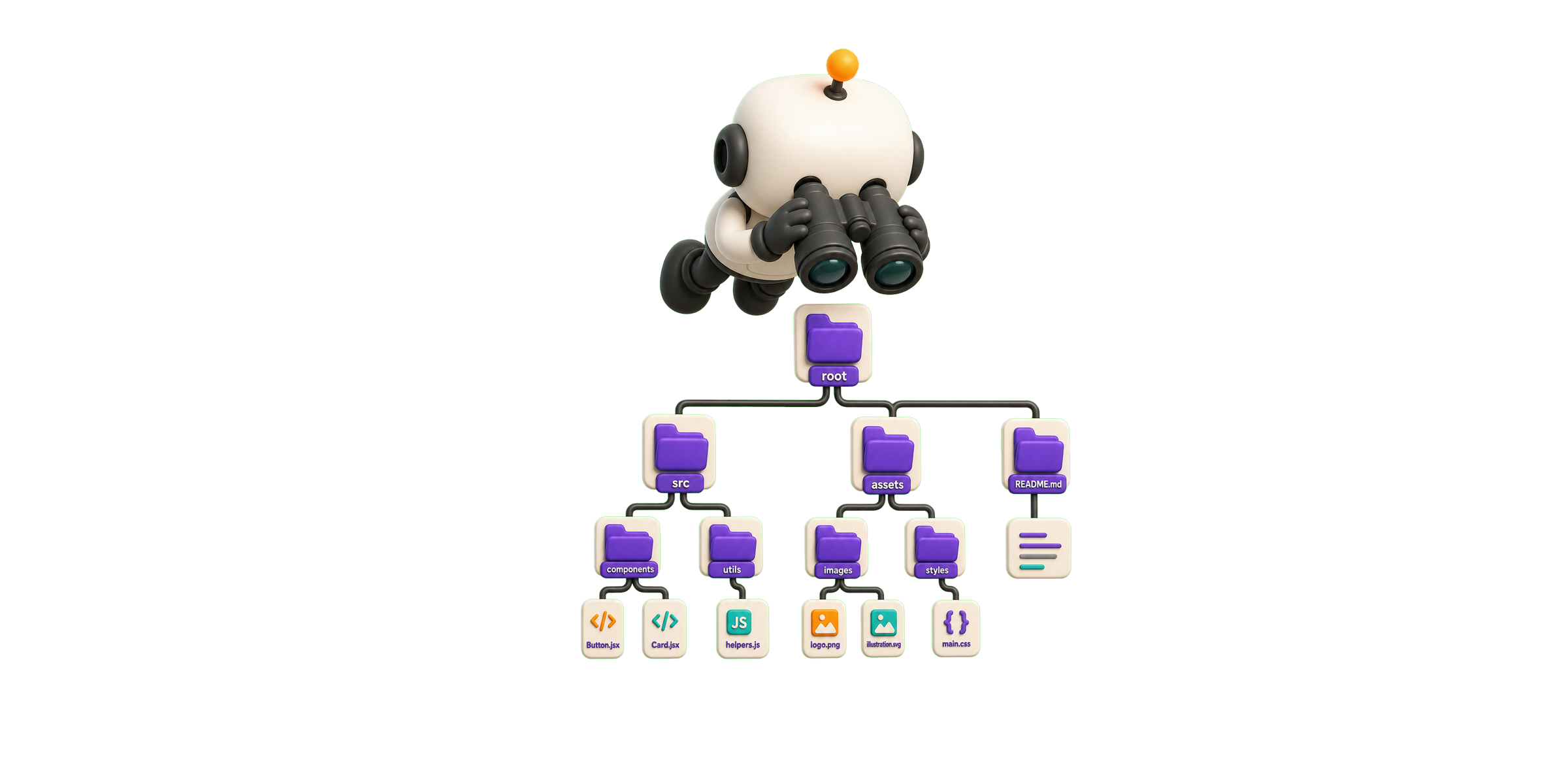
Skills live at three levels: organization, project, and agent runtime. Keep these levels separate so reusable engineering knowledge does not get mixed with project details or tool-specific configuration.
For Predictive Development with Copilot, this separation matters because Copilot needs stable context. When skills are stored predictably, Copilot can use the same standards, domain rules, and validation expectations every time it helps generate code.
Example files:
engineering-skills/
project/.skills/
project/.github/copilot-instructions.md
Short content:
# project/.github/copilot-instructions.md

Use the skills in `.skills/SKILLS.md` before generating code.
Follow the project architecture, testing rules, and naming conventions.
This chapter explains where each type of skill belongs, how the files relate to each other, and how the structure evolves into a reusable engineering knowledge system.
Mini exercise
Apply Where do Skills Live? to a feature or workflow you know. In ten minutes:
- Describe the current approach in one sentence.
- Identify one ambiguity, coupling risk, or missing constraint.
- Write one concrete rule or artifact that would improve predictability.
- Define how a reviewer or automated check could validate the improvement.
Compare your result with a teammate and revise the rule if two people could interpret it differently.
Example
For Where do Skills Live?, consider an accessibility-testing skill:
- Current approach: The same guidance exists in user prompts, repository notes, and local agent configuration.
- Risk: Teams cannot tell which version is authoritative.
- Concrete rule: Store reusable accessibility policy at organization level, project exceptions in the repository, and runtime invocation details with the agent.
- Validation: Trace one generated component to the exact policy, project rule, and runtime instruction it used.